



 Github Stars:
 Last Commit:
  Created:

Overview
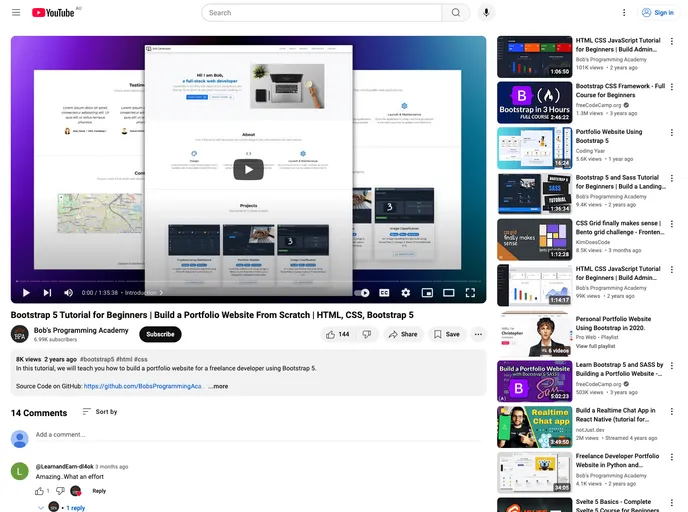
This product is a freelance developer portfolio website built using HTML 5, CSS 3, and Bootstrap 5. It features a map in the Contact section created using Leaflet 1.9.
Features
- HTML 5, CSS 3, and Bootstrap 5: This freelance developer portfolio website is built using these technologies, ensuring a modern and responsive design.
- Map in Contact Section: The website includes a map created using Leaflet 1.9, providing an interactive and visually appealing way for visitors to locate the developer.
- Live Server: The implementation includes the use of Visual Studio Code with the Live Server extension, which enables a live reload of the project during development.
Installation
To install and run the freelance developer portfolio website, follow these steps:
- Install Visual Studio Code with the Live Server extension.
- Launch Visual Studio Code and open the project.
- Start the Live Server by clicking “Go Live” in the bottom right corner of the status bar.
- The website will load in your default web browser.
- View the application by accessing http://127.0.0.1:5500/index.html in your web browser.
Summary
This product is a freelance developer portfolio website that showcases the developer’s skills using HTML 5, CSS 3, and Bootstrap 5. It includes a map feature created using Leaflet 1.9 for an interactive and visually appealing contact section. The installation process involves using Visual Studio Code with the Live Server extension to launch a local development server for live reloading of the project. The website is copyrighted by Bob’s Programming Academy and is released under the MIT license.








































