



 Github Stars:
 Last Commit:
  Created:

Overview
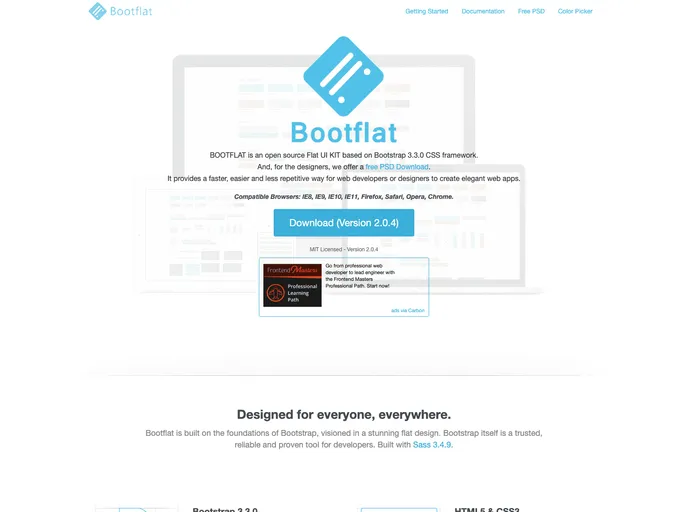
Bootflat is an open-source Flat UI Kit designed for developers seeking to create stylish web applications quickly and effortlessly. Built on the Bootstrap 3.3.0 CSS framework, Bootflat simplifies the design process by providing a comprehensive set of UI elements that allow for rapid development without sacrificing elegance or functionality.
With its modern design aesthetics and user-friendly features, Bootflat serves as an efficient solution for web developers looking to enhance their projects. It combines the robustness of Bootstrap with a flat design paradigm, making it a valuable tool for creating visually appealing web interfaces.
Features
- Open Source: Completely free to use and customize, allowing developers to modify the toolkit to fit their specific needs.
- Based on Bootstrap 3.3.0: Leverages the well-known Bootstrap framework, ensuring compatibility with a wide range of devices and browsers.
- Elegant Design: Offers a sleek, flat design that enhances the visual appeal of web applications while maintaining a professional look.
- UI Components: Includes a variety of pre-designed UI elements such as buttons, forms, navigation bars, and modals, streamlining the development process.
- Responsive Layouts: Ensures that applications look great on all screen sizes, from desktop to mobile, by utilizing Bootstrap’s responsive grid system.
- Customizable: Allows developers to easily adjust colors, fonts, and styles to match their branding or personal preferences.
- Minimalist Approach: Focuses on simplicity and clarity, providing a clean user experience without unnecessary clutter.







































