



 Github Stars:
 Last Commit:
  Created:



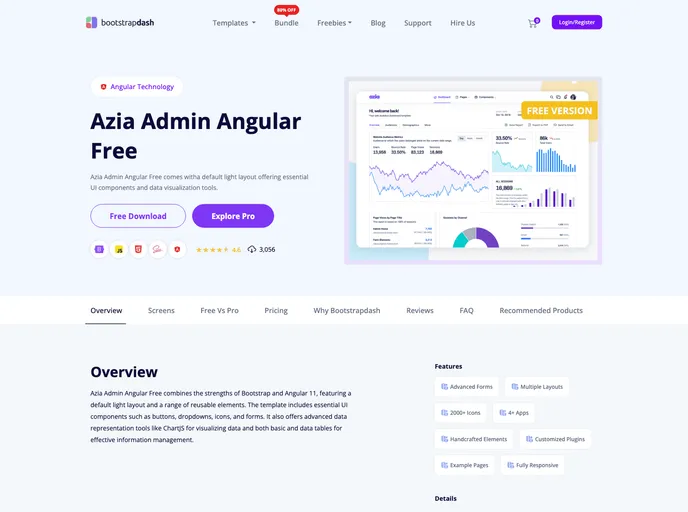
Overview
AziaAngular is a project generated with Angular CLI version 7.2.1. It provides a development server, code scaffolding, build functionalities, and testing capabilities for Angular projects.
Features
- Development server: Run
ng serveto start a local development server. The application will be accessible at http://localhost:4200/ and will automatically reload when source files are modified. - Code scaffolding: Use
ng generate component component-nameto generate a new component. Other options include generating directives, pipes, services, classes, guards, interfaces, enums, and modules. - Build: Execute
ng buildto build the project. The resulting build artifacts will be stored in thedist/directory. For a production build, add the--prodflag. - Unit tests: Run
ng testto execute the unit tests using Karma. - End-to-end tests: Execute
ng e2eto run end-to-end tests using Protractor.
Installation
To install AziaAngular, follow these steps:
- Install Angular CLI globally by running
npm install -g @angular/cliin your command line. - Clone the AziaAngular project from the repository.
- Navigate to the project root directory.
- Run
npm installto install the project dependencies. - Start the development server by running
ng serve. - Open your browser and go to http://localhost:4200/ to access the application.
Summary
AziaAngular is a feature-rich Angular project generated using Angular CLI. It provides a development server, code scaffolding, build functionalities, and testing capabilities. By following the installation guide provided, users can easily set up and start developing Angular applications using AziaAngular.






































